By year-end, 2025 there were about 18 billion cell phones world-wide. Baby boomers like me spend about 3-1/2 hours each day staring at the screens of our phones, and the average teenager’s daily screen time is more than 6 hours. About 5 billion photographs are uploaded to cyberspace each day, most of them taken with smart phones.
Smartphone cameras are much easier to use than digital SLR or mirrorless Nikon, Canon, or Sony cameras, which typically have instruction manuals that are hundreds of pages in length. It’s easy to take a snapshot with your smart phone, but if you want your iPhone photos to stand out from the crowd you’ll need to devote some time to learning the best camera settings for your iPhone and the basics of good lighting and composition in outdoor photography.

The 48-megapixel wide-angle (24mm – 48mm) and 48-megapixel ultra-wide-angle (14mm) cameras on the new iPhone 17 Pro/Pro Max are excellent for scenic photography, such as the image of multi-colored lupines at Stan Hywet Hall & Gardens shown above. The wide-angle (24mm – 48mm) camera can also capture depth information, using the iPhone 17 Pro’s Lidar scanner, which allows you to adjust the focus point and depth-of-field after the image has been taken, using the iPhone’s photo editor.
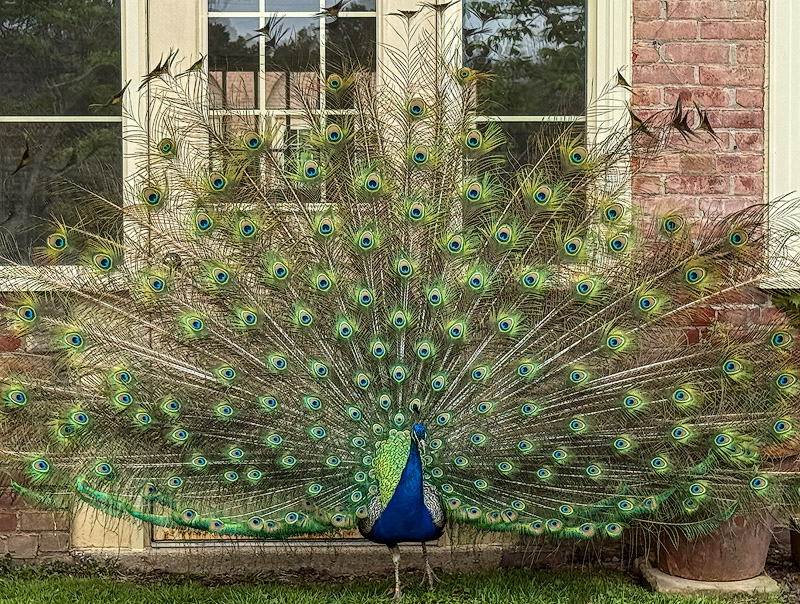
The latest iPhone Pro and Pro Max models are equipped with improved telephoto cameras – the iPhone 16 Pro/Pro Max have a 5x magnification lens and the 17 Pro/Pro Max include a 4X – 8X magnification lens. These cameras are excellent for wildlife photography of large subjects, such as the Peacock courtship display photo shown above.
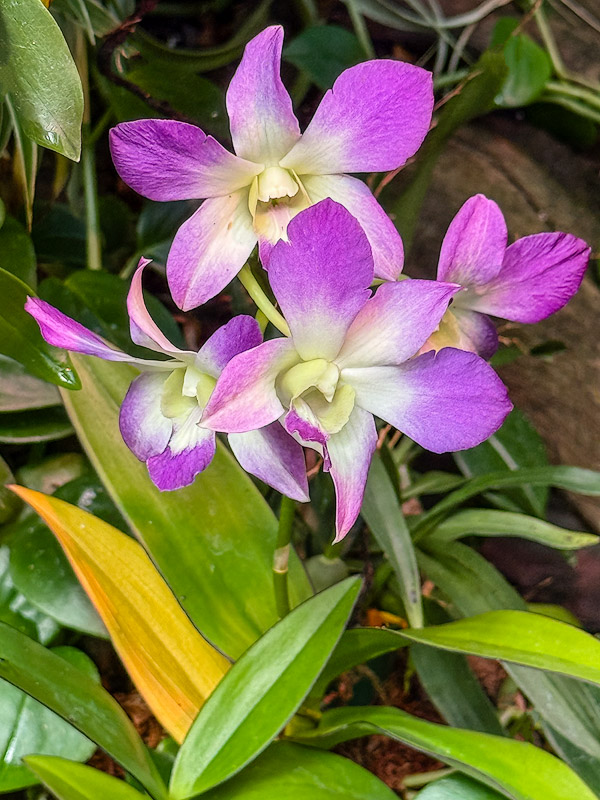
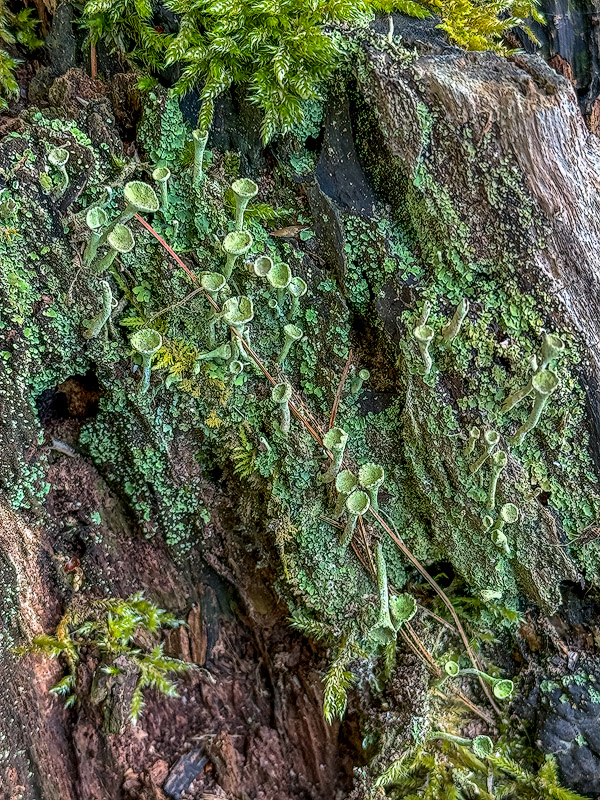
Recent iPhone models can focus as close as 2 cm (0.8 inches) from your subject. This is achieved using the automatic Macro mode (available on Pro models since the iPhone 13 Pro and standard models starting with the iPhone 16), which switches to the Ultra Wide camera to capture extreme close-ups.
The first part of the workshop is a classroom session, in which we will cover the following topics:
- The best iPhone camera settings for outdoor photography;
- Attributes of a great landscape/nature photograph;
- Focusing and exposure control;
- Adjusting focus point and depth-of-field using portrait mode;
- Close-up and macro photography;
- Panoramas with your iPhone;
- Lighting and composition guidelines;
- Waterfalls and low light/night photography;
- iPhone apps and accessories;
- Organizing, storing, and editing your iPhone photos.
A variety of hands-on exercises are included in the classroom session, so bring your iPhone to the workshop.
Following the classroom session, we will head outdoors to visit and photograph a variety of floral subjects at the Dawes Arboretum.
To register for the Dawes Arboretum iPhone photography workshop on June 27, visit their website.