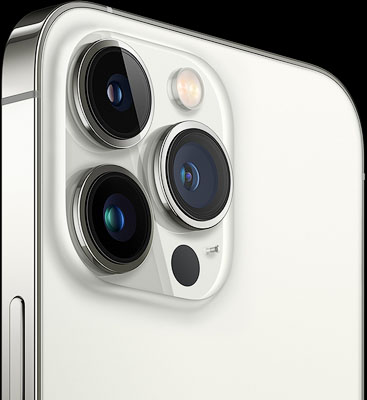
Apple introduced the iPhone 16 series in the fall of 2024, and I traded in my iPhone 15 Pro Max for an iPhone 16 Pro, which features a new, 48-megapixel ultra-wide-angle camera with double the resolution of the 12-megapixel ultra-wide-angle camera on the iPhone 15 Pro Max. This is also the camera that is used for macro photography of subjects as close as 2cm from the camera, so both landscapes and close-up images taken with this camera benefit from the doubling of the resolution.
I used my new iPhone 16 Pro camera during a recent visit to Love in Bloom, a huge display of hundreds of colorful orchids staged each winter at Cleveland Botanical Garden (CBG), part of Holden Forests & Gardens located in University Circle on Cleveland’s East Side.
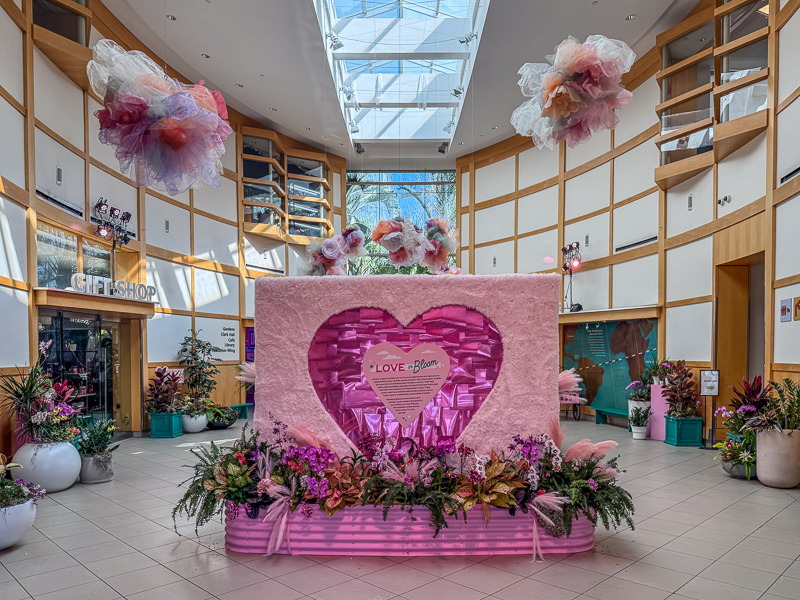
Orchids are the world’s largest group of flowering plants, with more than 25,000 species in 800 genera and over 100,000 hybrids and cultivars. Each winter, hundreds of spectacular orchids are on display inside the main building at CBG as well as in the Eleanor Armstrong Smith Glass House, which showcases the Spiny Desert of Madagascar and the Costa Rica Rainforest.
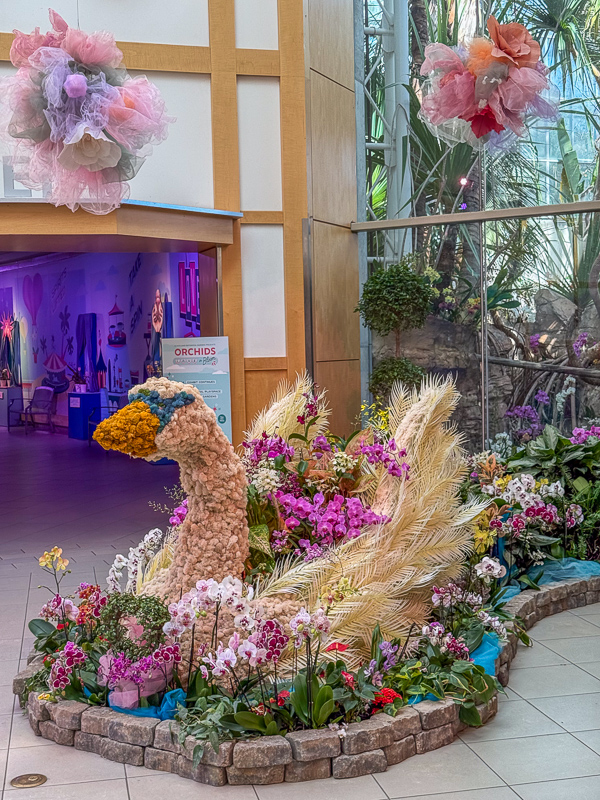
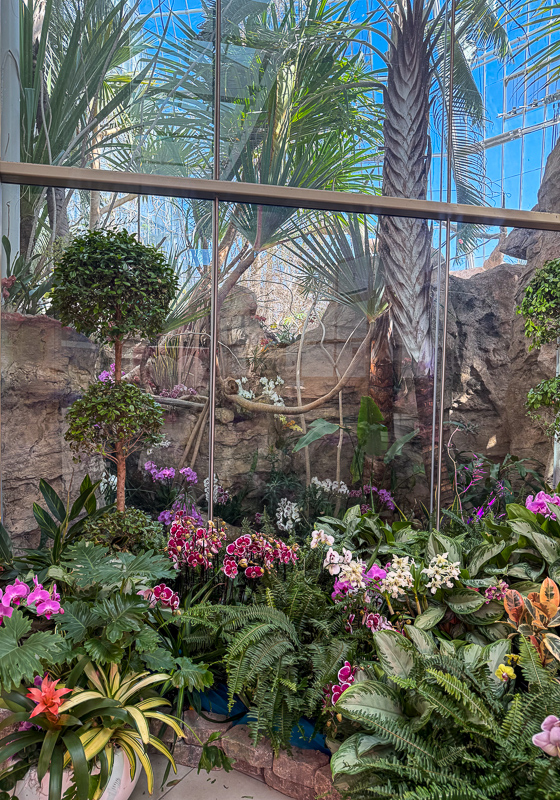
The beautiful swan shown above, photographed with the iPhone 16 Pro’s 48-megapixel Fusion camera (48mm equivalent in 35mm) is one of the many arrangements of multi-hued orchids on display in the main building of the Cleveland Botanical Garden this winter. Behind the swan, shown below, are more orchid displays near the entrance to the Madagascar Spiny Desert section of the Eleanor Smith Glass House.
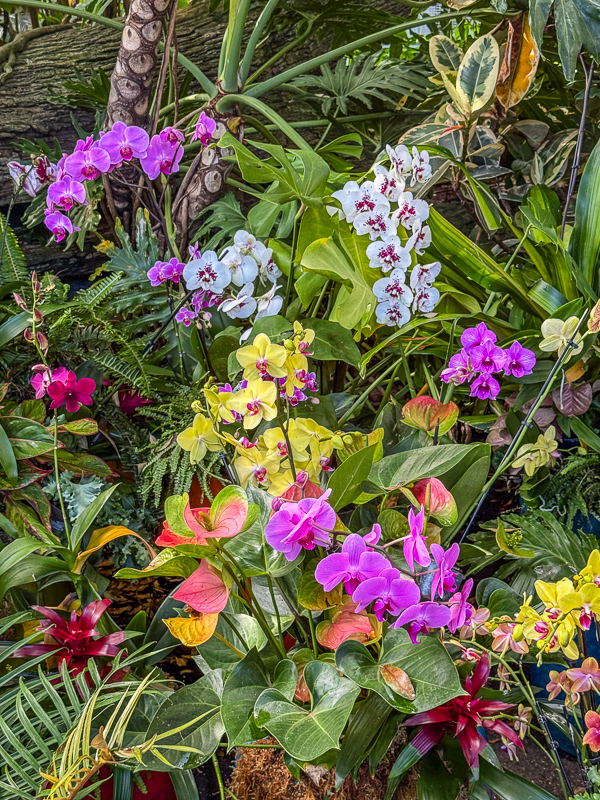
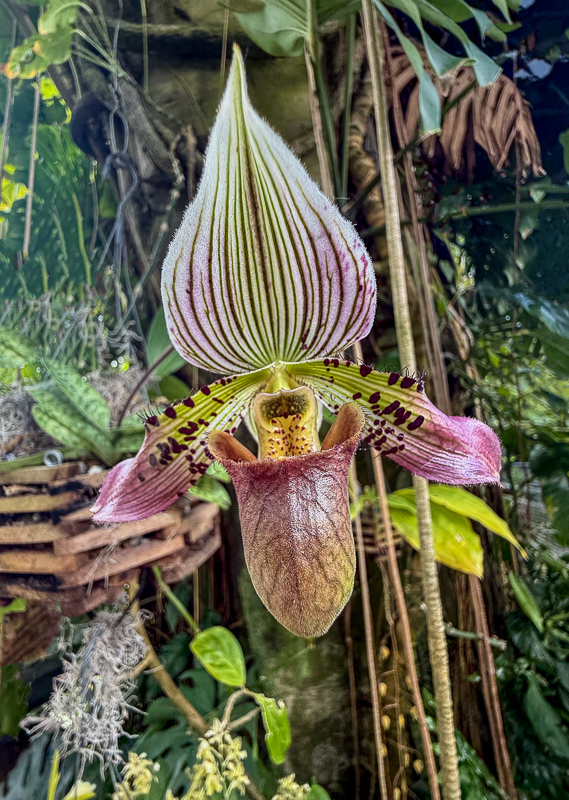
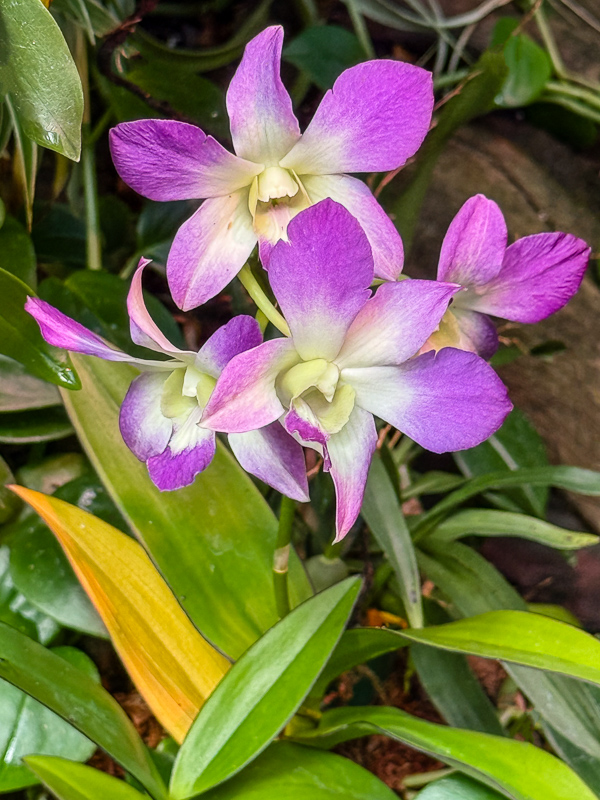
Like all the orchid photographs I made during my CBG visit, the images were transferred from my iPhone 16 Pro to the digital photo library on my Dell Precision 5820 PC workstation, and edited in a combination of Adobe Lightroom Classic and Photoshop. Why not use the powerful editing features available on the iPhone 16 Pro, including Lightroom CC? The main reason is that the iPhone 16 Pro’s screen, although it provides a superb display, is only 13 square inches in size, while my 24-inch EIZO monitor, at 261 square inches, allows my aging eyes the luxury of a screen twenty times larger! In addition, the desktop versions of Lightroom Classic and Photoshop provide more powerful editing features than their iPhone app versions. In particular, I use Photoshop’s powerful editing tools to remove bright highlights, stakes, twist ties, unwanted flowers of brightly colored adjacent orchids and other background distractions from the image. I used these tools to improve the background in the photos of the Venus Lady’s Slipper and Dendrobium orchids shown below.
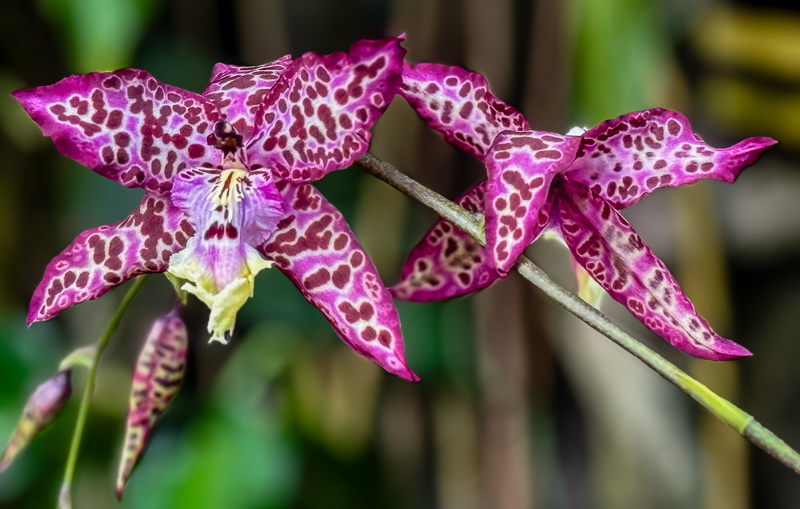
I used a different method to create the image of the gorgeous variegated purple Beallara Memoria orchids shown below. In this case, I used the iPhone 16 Pro’s 5X telephoto camera and Portrait mode, which creates a Depth Map that can be used to adjust the sharpness of the background using a sliding scale. This must be done while creating the image on the iPhone and not later in Lightroom or Photoshop when editing the image on your PC/Mac.
The Love in Bloom orchid show event at CBG ends on March 31, so you still have time to visit and enjoy the display. I would like to thank CBG horticulturist Sadie Smith for providing me with IDs for some of my orchid photographs, and I would like to congratulate the horticulturists at CBG for the superb orchid displays that must have taken hundreds of hours of work to create.
For more information and tips on iPhone photography, check out my eBook, iPhone Landscape & Nature Photography, which will soon be updated with information on the new iPhone 15 and 16 models: